A boat owner who was not aboard for the visit has one question, and it is not "what's the score." It's "did anything happen to the boat, and is anyone about to ask me for money." The report is built around answering that question first and everything else second.
It opens with no login
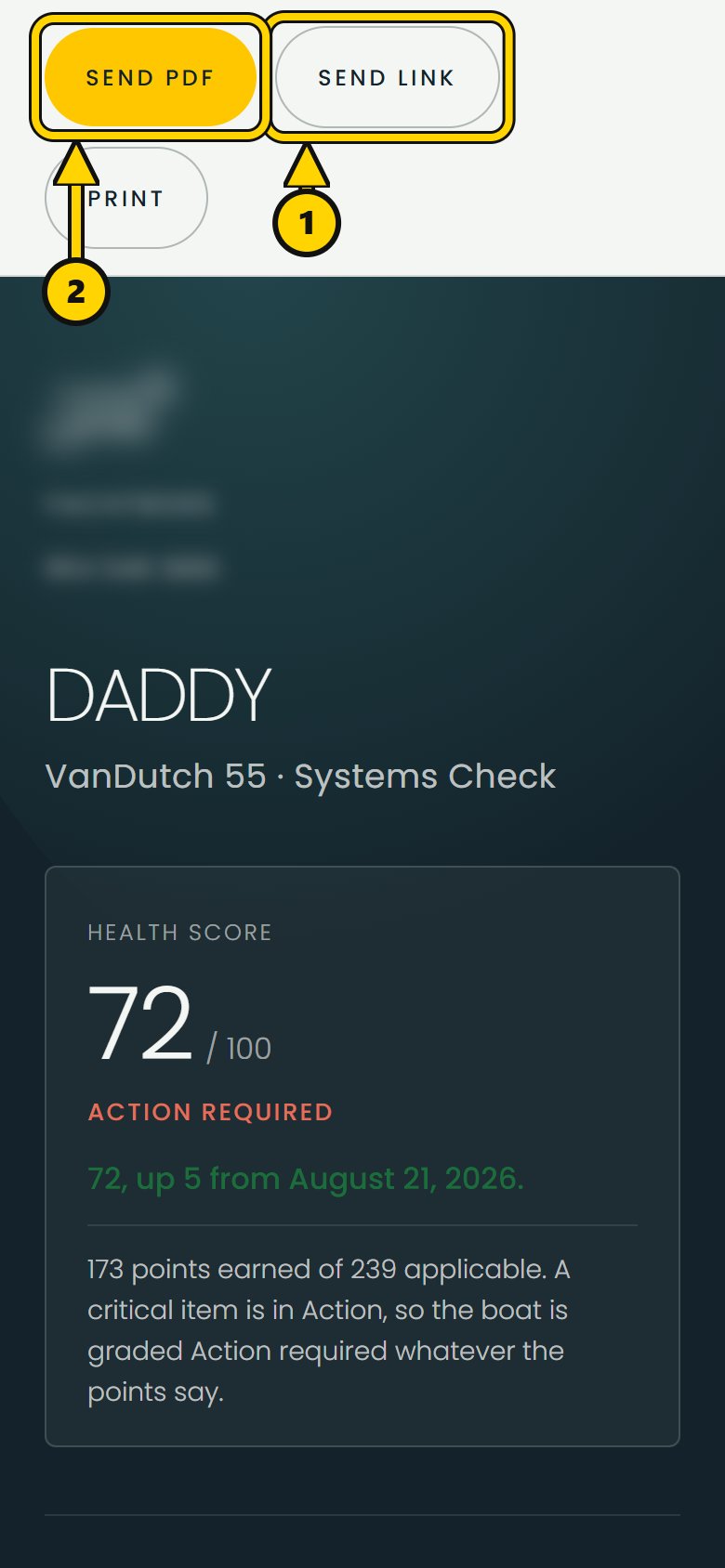
A report opens from a link, with no account or login required. The link itself provides access and can be revoked if needed. That makes it easy to send the report to an owner, captain, accountant or anyone else who needs to read it.
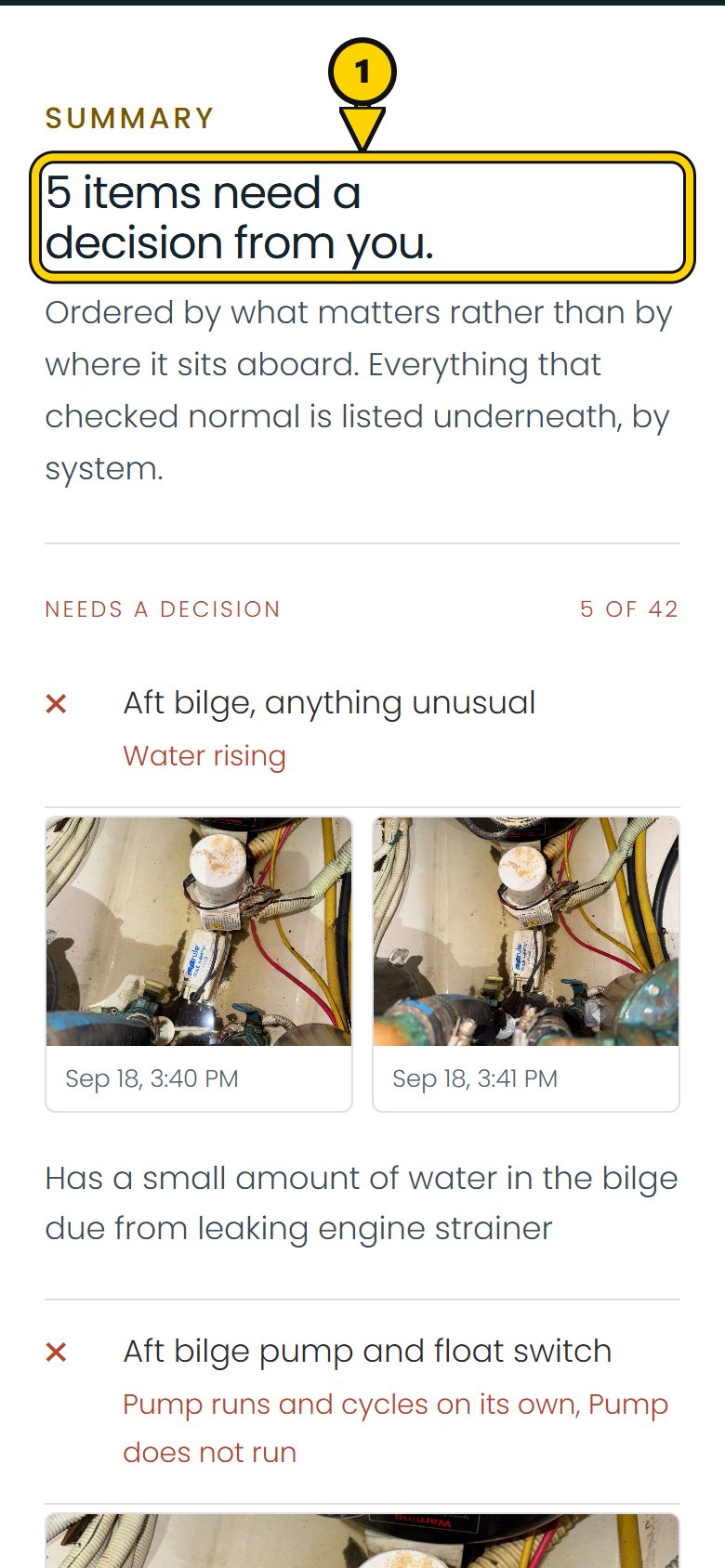
Ordered by what needs attention first
The report opens with either "Nothing needs a decision from you," or a count such as "3 items need a decision from you." Action items come first, then Watch items, with the technician's notes and photos. Pass items come later. The report is ordered by what needs attention, not by the order the technician walked the boat.
There is no separate "Summary" and "Findings." Two sections like that end up saying the same things twice under two headings. One list, ordered by what actually needs a phone call, is easier to read and harder to misread.
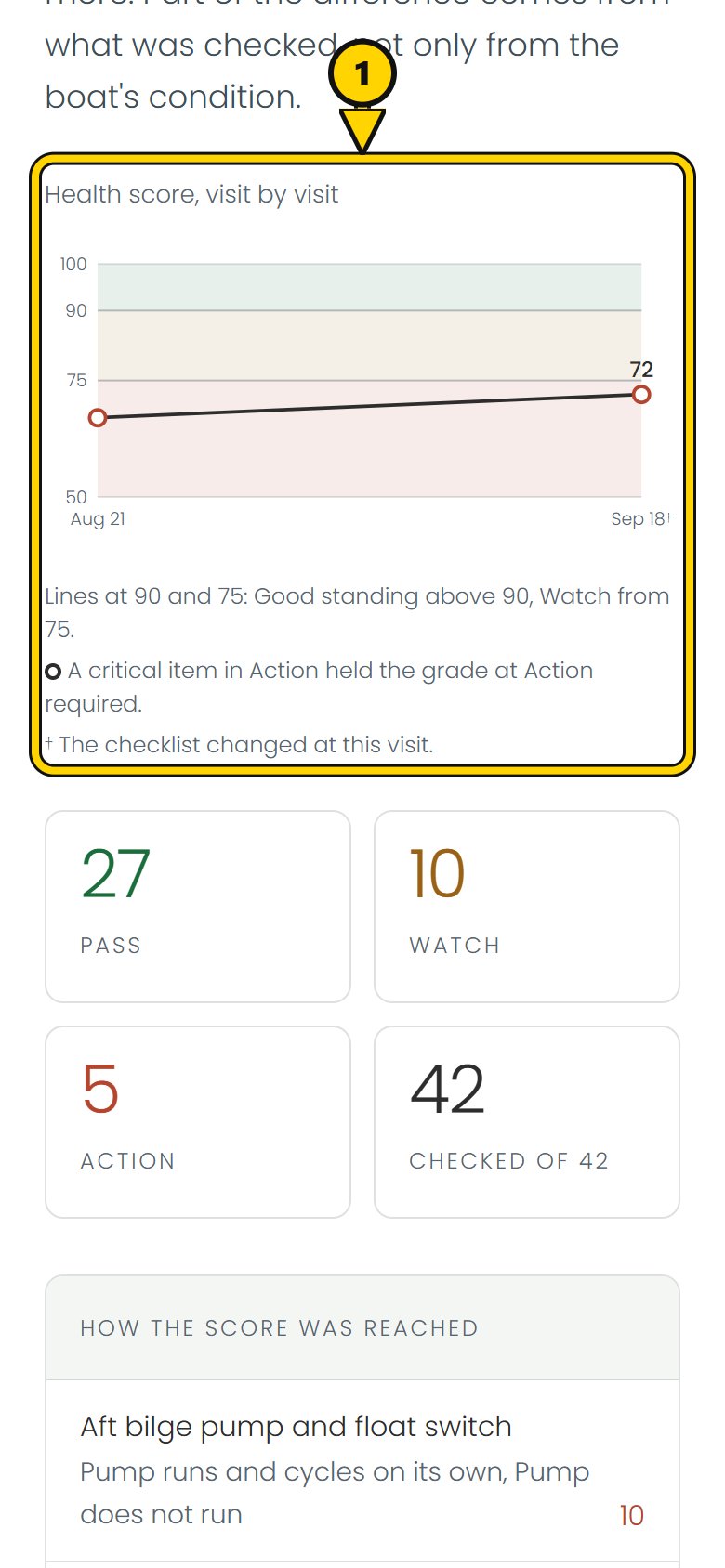
What changed since the last visit
When there is a previous scored visit to compare against, the report shows the score and the direction it moved. The explanation of what changed comes from the technician's own note, not text generated from the state change. If the checklist changed because equipment was added to or removed from the boat's profile, the report says that too. That separates a change in what was checked from a change in the boat's condition.
Each report is a frozen record
A report is a frozen record of that visit, not a live view. The checklist, answers, score, photos and company branding are captured when the report is issued. Reissuing the report creates a new version with its own link instead of changing the link already sent. If the boat's name is corrected later, a photo is replaced or the score weights change, the old report still shows what was issued at the time. It can say that a newer version exists without giving someone holding the old link access to the new one.
Your company name, logo and colors on the report
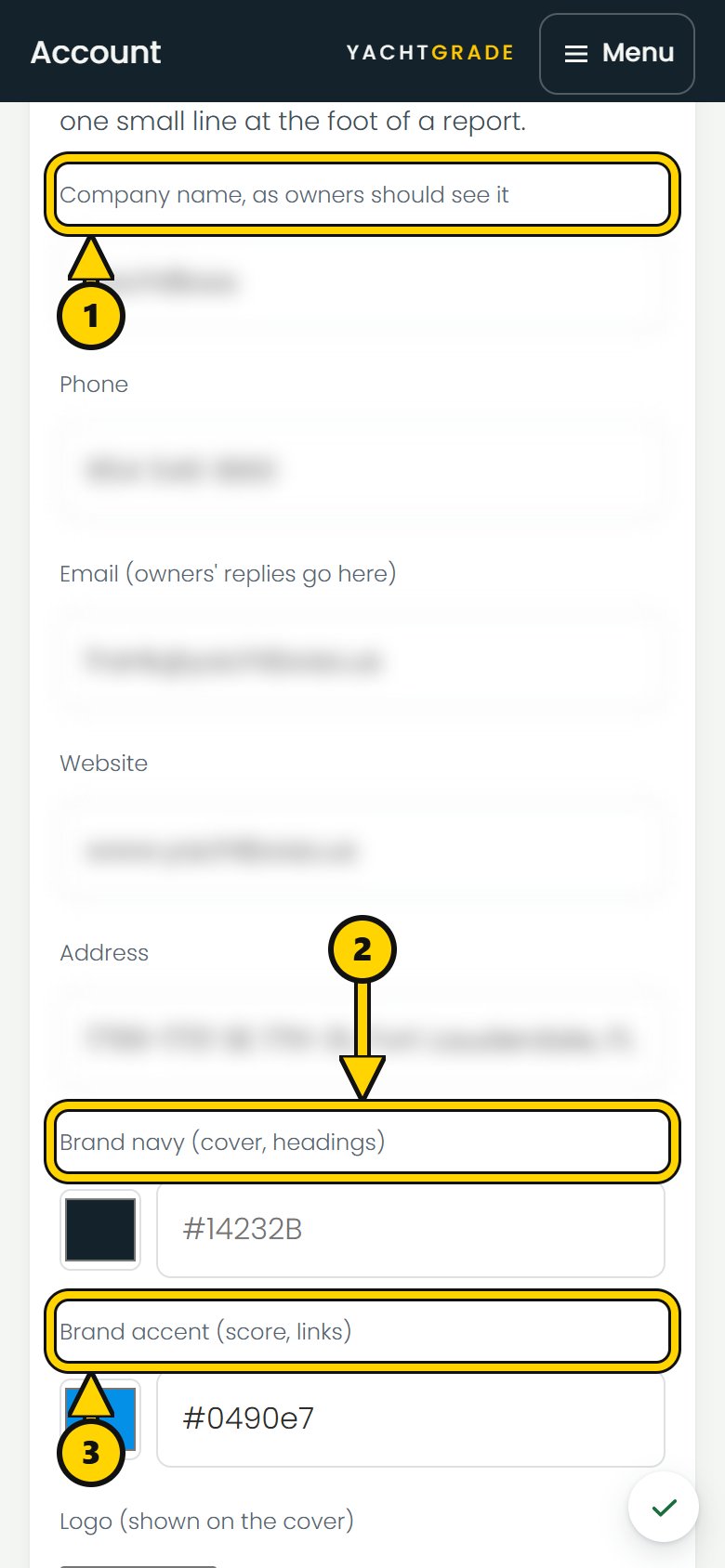
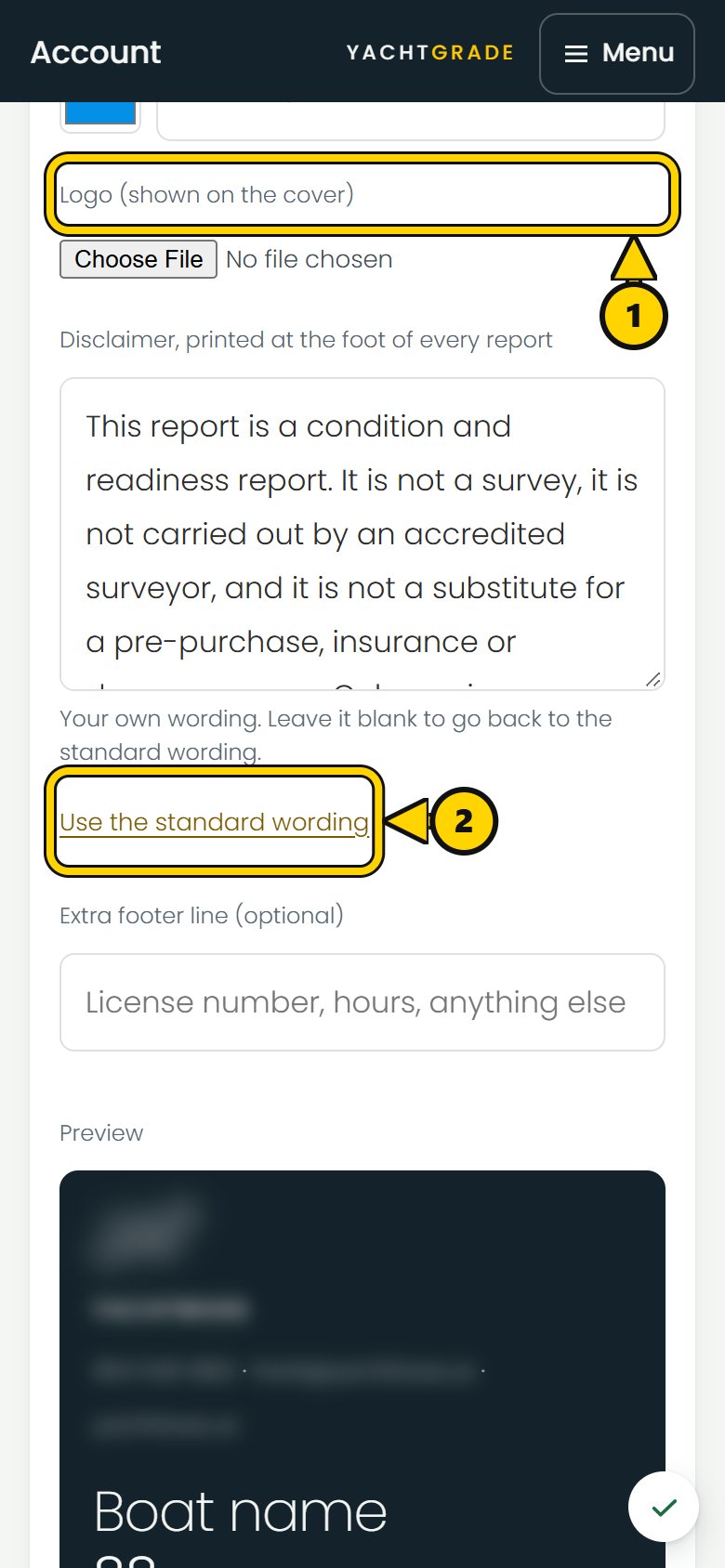
Your company name, logo, colors and contact details lead the report. You can also write your own disclaimer. That wording is frozen with the report, so changing the disclaimer later does not change a report already sent. YachtGrade appears once in small type at the bottom. If you have not set a logo or colors, the report shows your company name plainly instead.
Grouped by place, then by item
The report organizes the same visit in two ways.
The Pass items are grouped by where the technician actually stood: engine room, then above deck, then inside, following the route walked on the boat. That makes it easier to review what was checked in each part of the boat.
Further down, under “In full,” the visit is organized by the equipment it is about. Three fridges in three different places on the boat can appear together, next to their serial numbers. That is useful when a captain or yard is ordering a part instead of retracing the inspection route.
What nobody checked, said out loud
A checkpoint the tech didn't get to is never counted as a pass, and it never just disappears from the report either. It prints under "Not checked," plainly, with no color and no checkmark it hasn't earned. The same goes for equipment with nothing recorded against it at all: rather than a section quietly missing, the report says "Nothing was checked on this at this visit." An absence you can't see is not information; a sentence that says so is.
Photo dates: taken, not uploaded
Every photo on a report carries when it was actually taken, not when it happened to reach the server. A photo pulled forward from an earlier visit to illustrate something unchanged says so plainly ("Photo from an earlier visit") instead of quietly reading as new. The report asserts the boat's condition on the day of the visit, and a photo with the wrong date attached to it would be asserting something that isn't true, which is the one failure this whole document exists to avoid.
Common questions
How do I show a boat owner what changed since the last inspection?
Send the boat inspection report from the most recent visit. It leads with what needs attention, shows how the score moved from the previous visit with the technician's note on what changed, and shows what still passed. The comparison is built into the report, so the owner does not have to compare the two reports side by side.
How can I prove to a boat owner that nothing was damaged while
the boat was in for service?
The report a technician generates is frozen the moment it's issued and
carries dated photos of everything checked. If a report is ever reissued,
the new version gets its own link; the one the owner already has never
changes.
If a prior visit's report exists to compare against, put both links in the
owner's hands.
Does the owner need an account or an app to see the report?
No. The report opens from a link with no app, login or account required.
Can I put my own company's name and logo on the report instead of
the software's?
Yes. Your company name, logo and colors appear on the report, along with your own disclaimer if you set one. YachtGrade appears once in small type at the bottom.
See the reports page for what a full report looks like end to end, how the health score itself is built, and how a boat's checklist gets assembled in the first place.
More how-to guides
YachtGrade was designed by a USCG 100-ton captain who spent five years managing, detailing, running and selling boats in South Florida, after four years building IT systems for businesses. Who built it →