A lot of the boats worth checking carefully are exactly the ones with no signal: a steel hull in a slip, a hauled-out yard with a shed roof over the engine room, a generator compartment two decks down. We built the checklist and the photo capture around that from the start. A full check on a boat with no bars at all has to work start to finish, or the app is useless for the job it exists to do.
Where the work actually goes
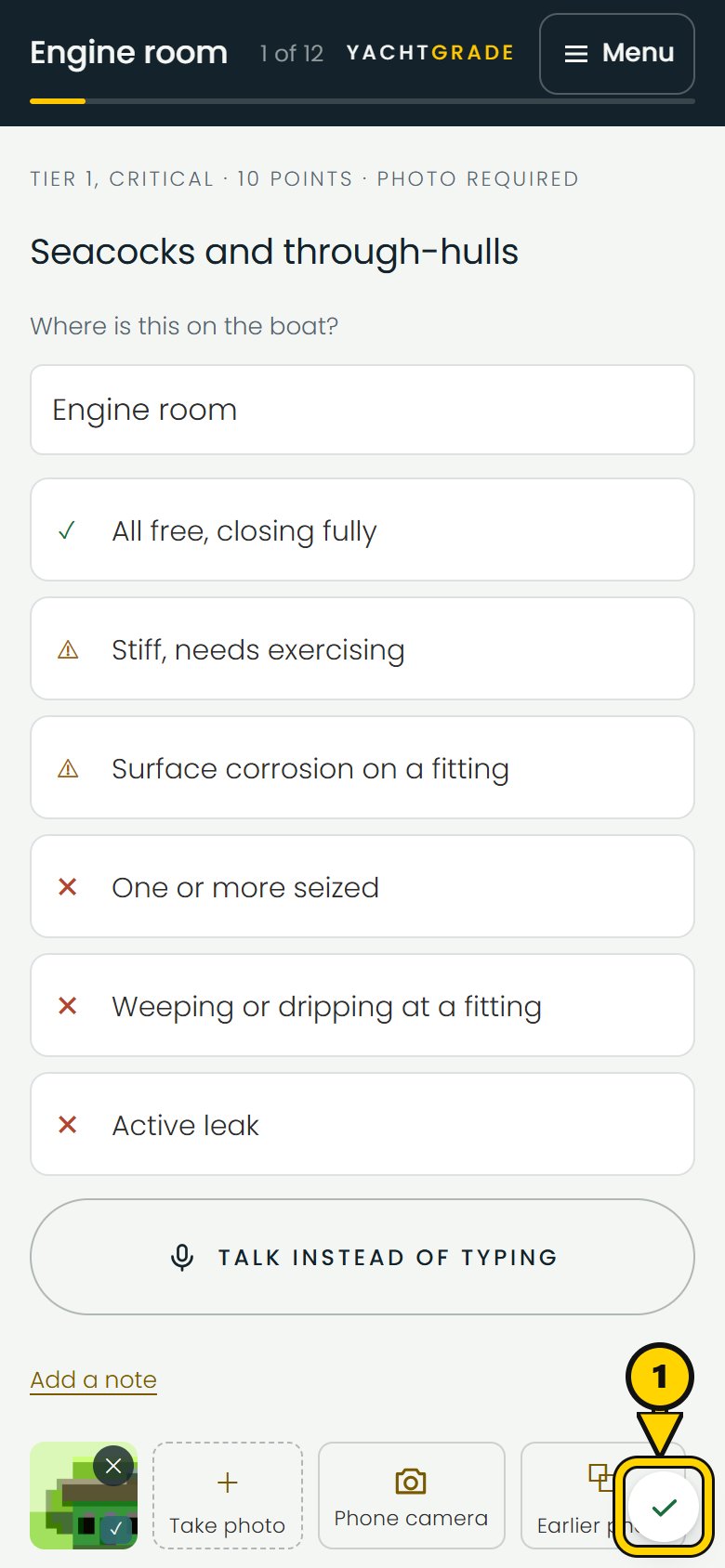
Every answer and photo saves on the phone first. Tap Next after answering a question and the answer is saved immediately before you move on. Photos work the same way. They attach to the checkpoint on the phone even when there is no signal and upload later when a connection returns.
Photos and answers wait in separate queues on the phone. YachtGrade tries to send them when signal returns, when you bring the app back to the front, and every thirty seconds while it is open. Photos upload one at a time so a weak connection is not split between several uploads.
When the photo was taken is separate from when it uploaded
A report says what a boat looks like now. So every photo carries two timestamps that are never allowed to blur together: when it was actually taken, and when it finally reached the server. A photo shot in a dead zone at ten in the morning and uploaded at two that afternoon, once signal returns, still reads as a ten o'clock photo, on the report and on the timestamp printed on the image if you have that switched on. Waiting for signal changes when a photo arrives on the server. It never changes what the photo is evidence of.
What you see while things are waiting
A small badge stays in the corner of the screen while you work. With no signal, it shows that YachtGrade is offline and tells you whether photos, answers or both are still on the phone. When signal returns, it shows that they are sending and clears once everything has uploaded. Tap the badge to see each photo and answer still waiting and whether it is waiting its turn, waiting for signal or uploading now.
If the server rejects something, YachtGrade shows that separately from work that is simply waiting for signal. Those are different problems, and a rejected item is something you need to know about before finishing the check.
What to do before leaving the boat
Two habits are worth knowing before a job somewhere with no signal.
Give it a minute with signal before you walk away. The queues send while the app is open. If the phone pauses the web app in the background, the work stays saved but uploading waits until you open it again. After a check with a lot of photos, keep YachtGrade open somewhere with signal until the badge clears.
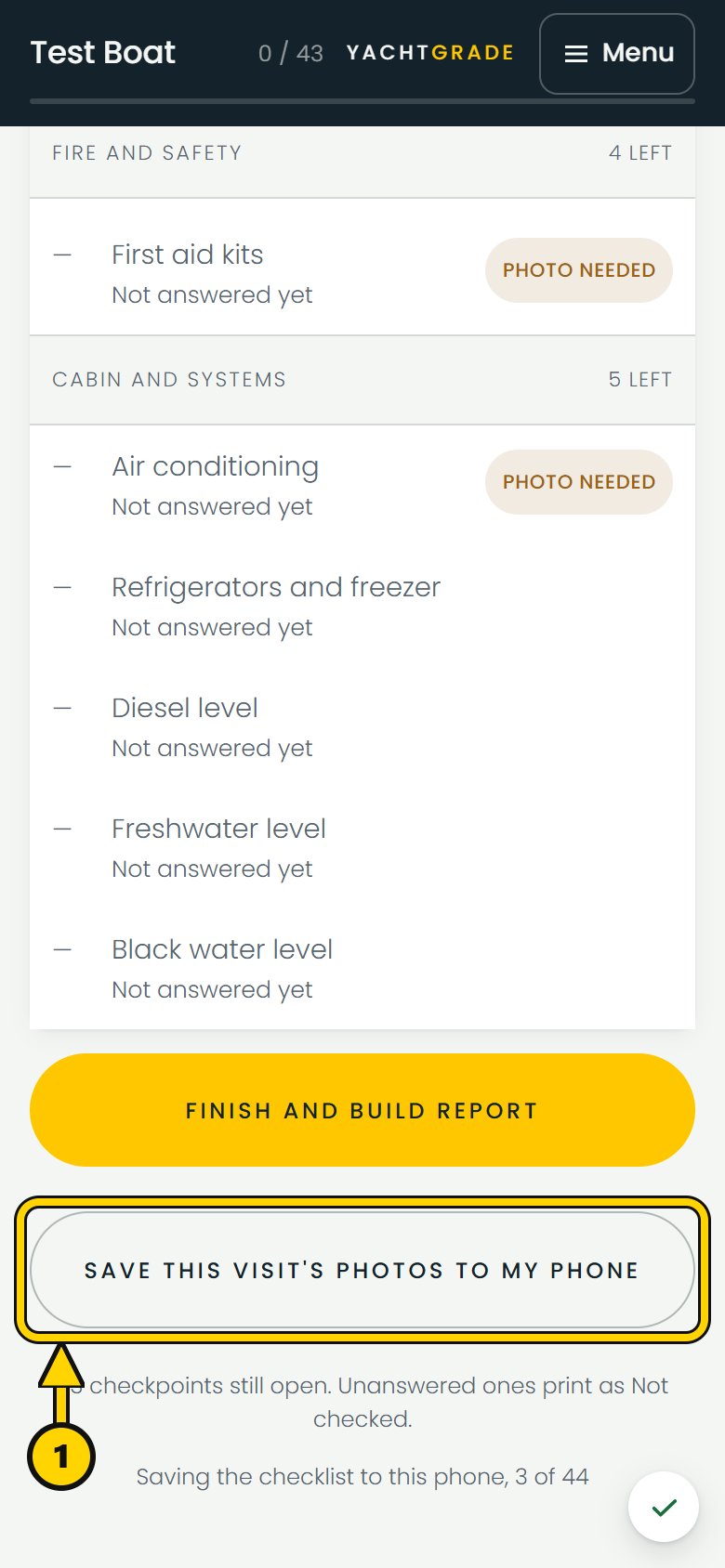
Save this visit's photos to your phone as a habit. The finishing screen has a button for it. YachtGrade packs the visit's photos into one file and downloads them to the phone one at a time, so a large set does not have to sit in memory all at once. On a photo-heavy job, it gives you a copy on the phone before you leave the boat.
One more thing if you use an iPhone: YachtGrade added to the home screen keeps separate storage from YachtGrade opened in Safari. Use the same one throughout a visit. Switching between them mid-job can make saved work look missing because it is stored in the other one.
Common questions
Can I use a boat inspection app with no cell signal or wifi at
all?
Yes. Answers and photos save on the phone when you record them and upload when signal returns. You do not need a live connection to answer checklist questions or take photos.
What happens to a photo taken offline once I get signal back?
It uploads after signal returns. The report shows when the photo was actually taken, not when it reached the server. A photo taken in a dead zone hours earlier still carries its original time.
Is it safe to close the app while photos are still uploading?
The work stays saved on the phone. Uploading runs while the app is open, so if the app is closed or paused, sending continues the next time you open it. After a job with a lot of photos, keep it open with signal until the badge clears.
How do I know if a photo or answer actually made it to the
server?
A small badge shows what is still waiting and whether it is waiting for signal, waiting its turn or uploading. It clears once everything has uploaded.
Once everything is confirmed sent, finishing the check builds the report. For how the checklist itself gets assembled for a specific boat, see how checklists are built.
More how-to guides
YachtGrade was designed by a USCG 100-ton captain who spent five years managing, detailing, running and selling boats in South Florida, after four years building IT systems for businesses. Who built it →